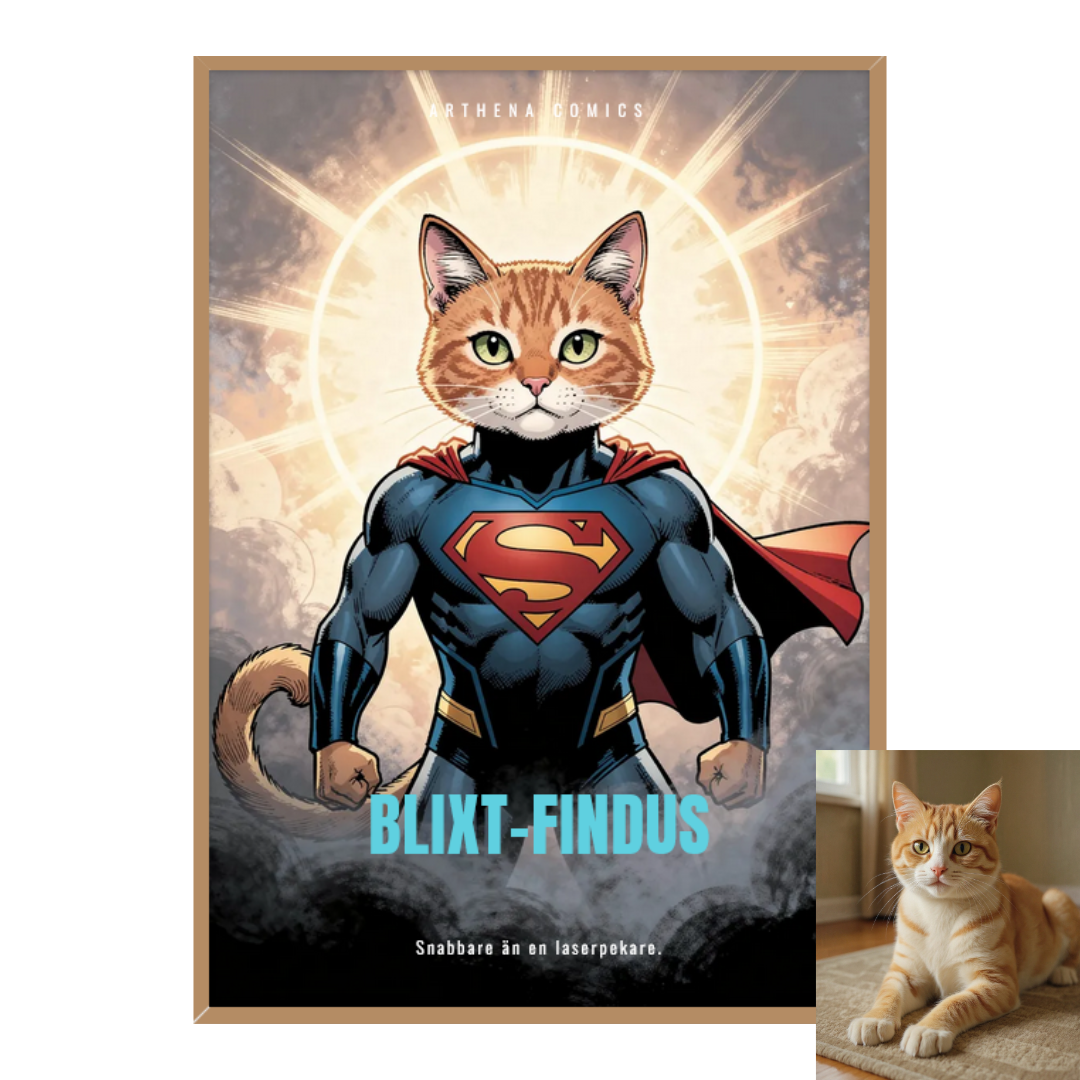
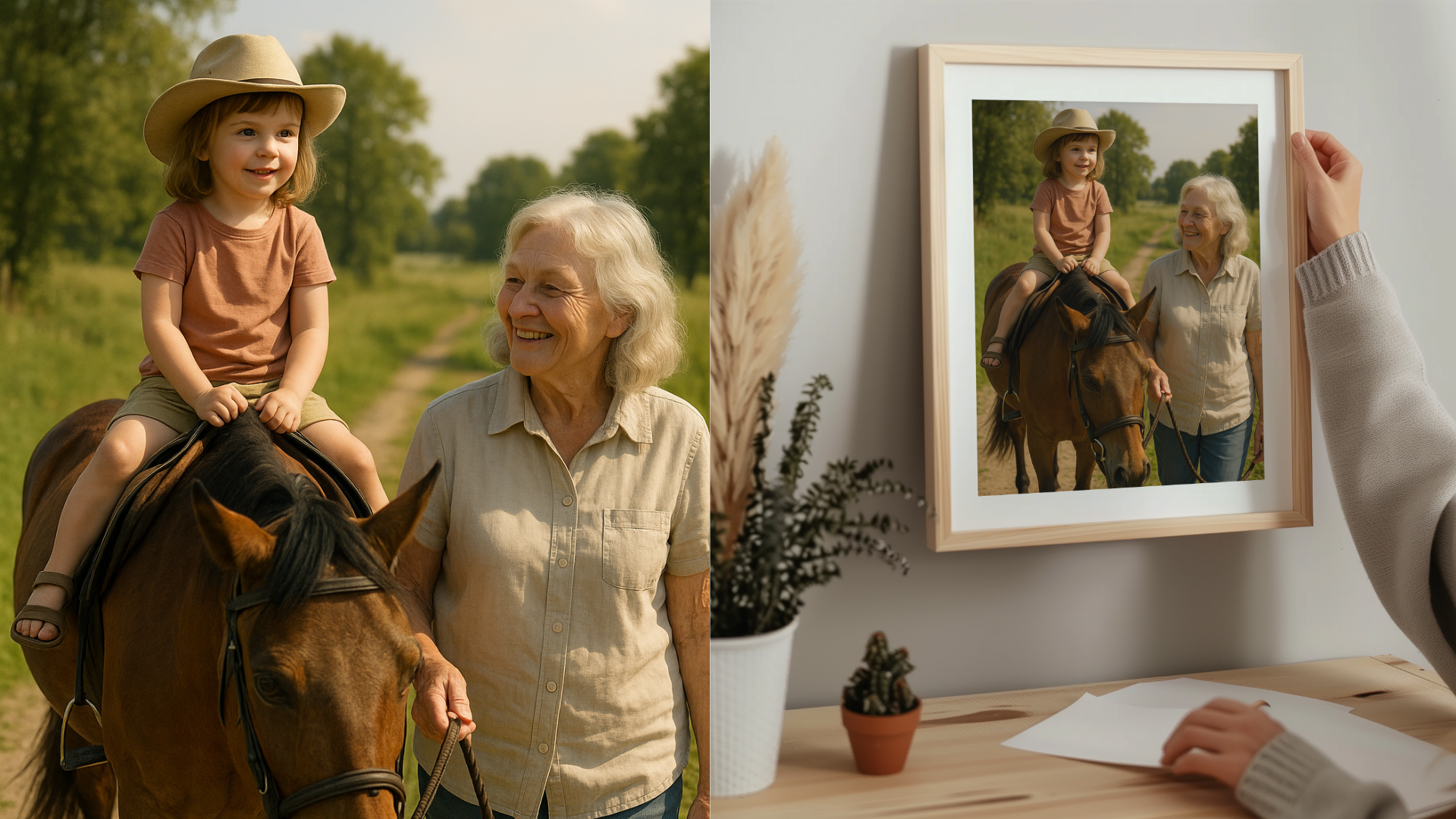
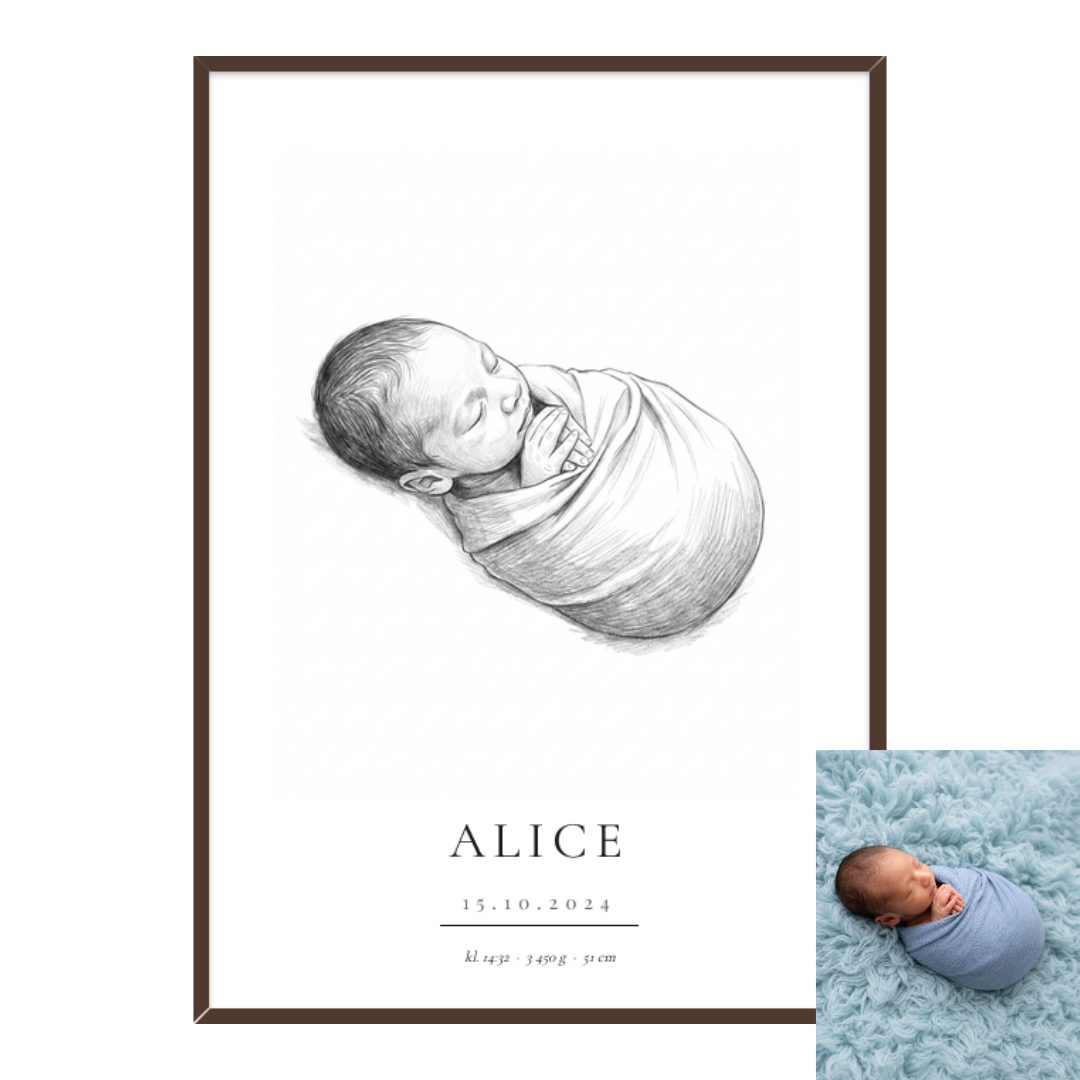
Designing your own wall art should be easy, fun, and look great on your wall. In our editor, you build the design from scratch – combine your own photos, a map of a meaningful place, text, and graphic elements, layer by layer. Then choose the material, size, and format, preview it instantly, and let us print and deliver.
Create your own wall art here →
Why design your own wall art?
- Completely personal: turn memories, travels, portraits, maps, or graphic designs into ready-to-hang wall art.
- Full creative control: add and move photos, text, and figures, adjust cropping, colors, and background – build exactly what you want.
- Flexible: choose a poster (with or without a frame), canvas, metal, or plexiglass, portrait or landscape, in sizes from 13x18 cm up to 70x100 cm.
- Professional finish: matte premium feel, frames with hanging kits, and durable materials.
How it works – step by step
- Open the editor. Start with a blank canvas and build your design exactly as you wish.
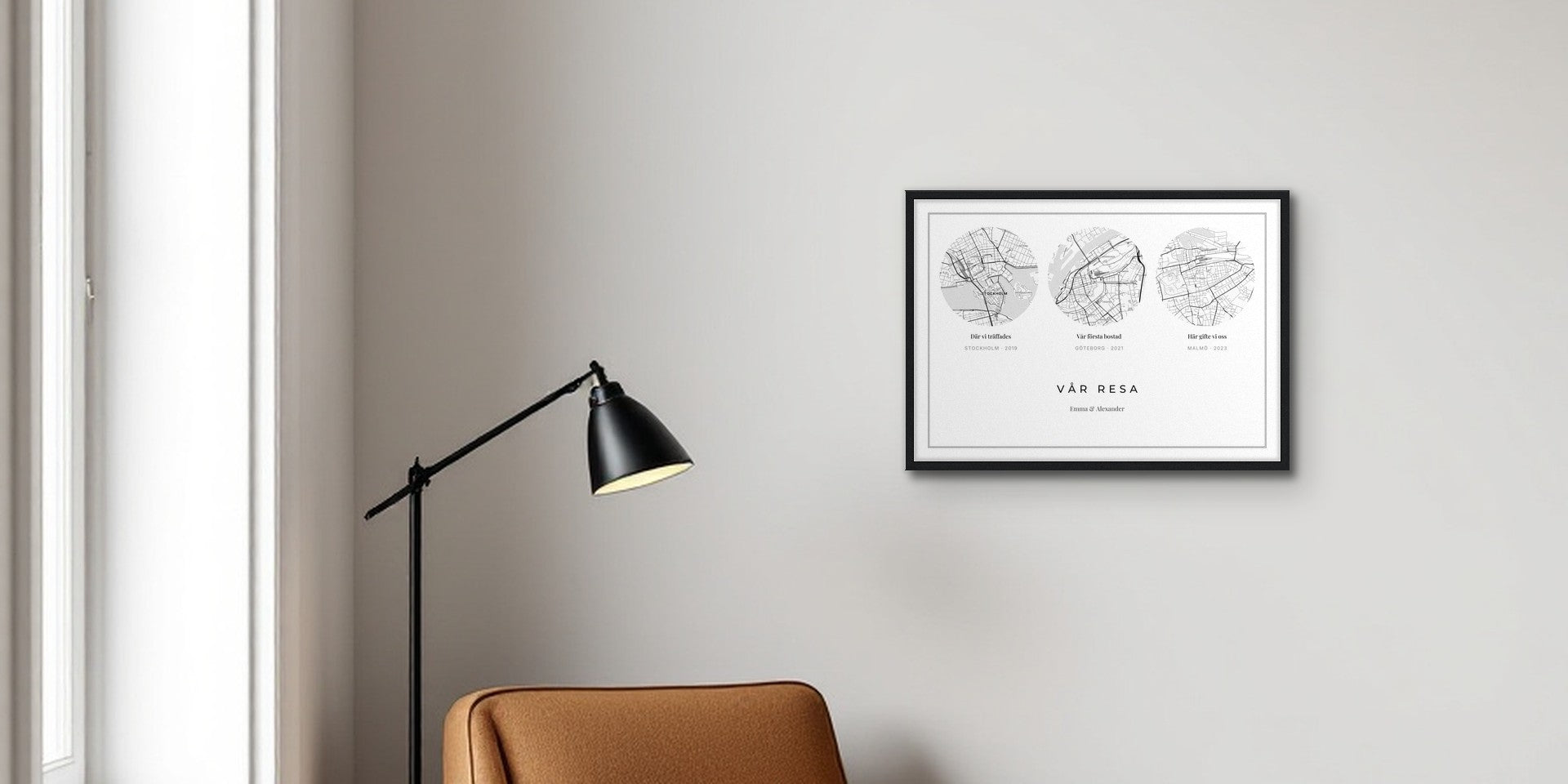
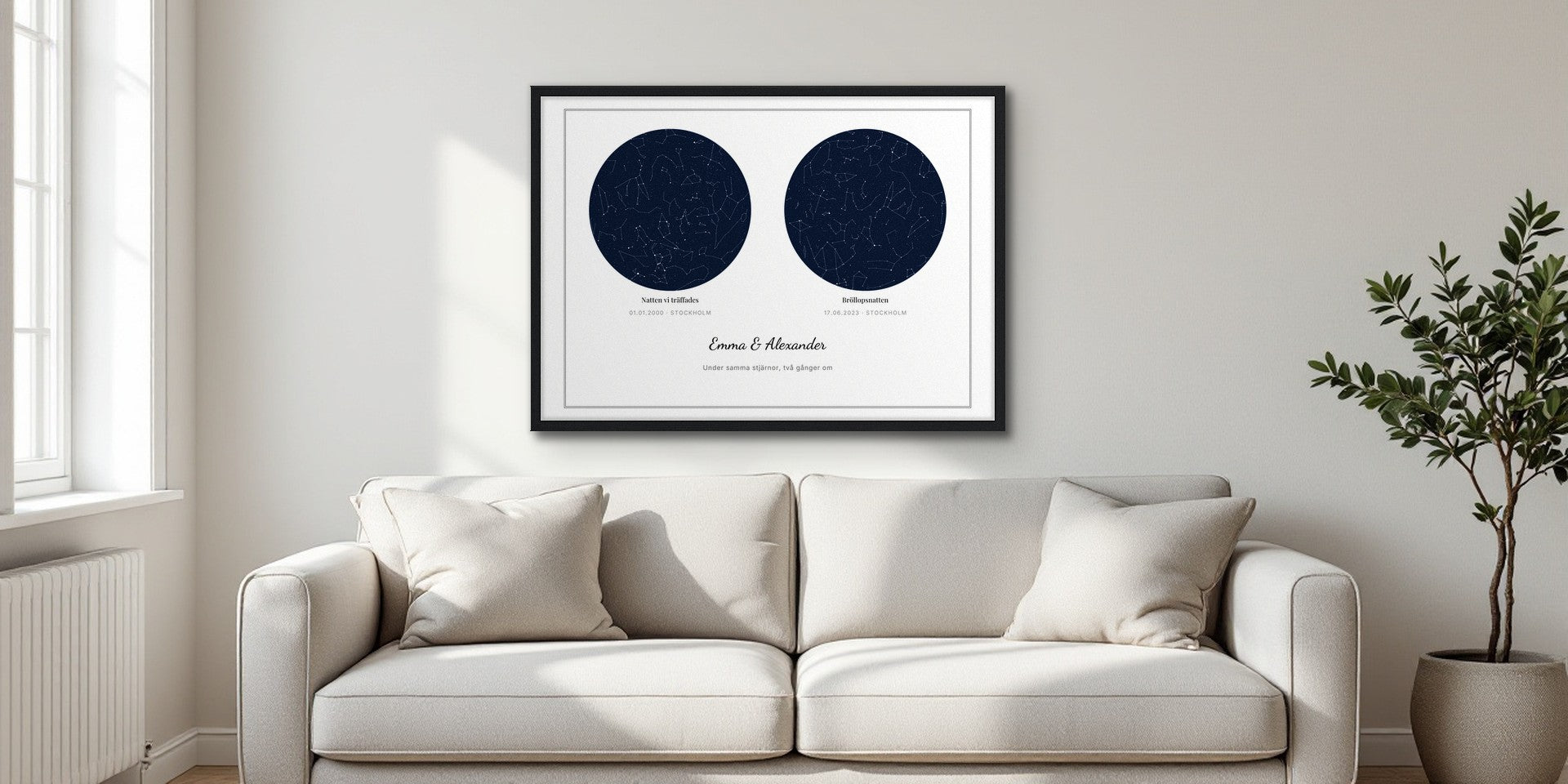
- Add your elements. Upload photos, insert a map of a place, write text, and add figures – move and scale freely, layer by layer.
- Choose material and format. Poster (with or without a frame), canvas, metal, or plexiglass. Portrait or landscape, in a size that fits your wall and design.
- Fine-tune. Drag to crop, change proportions, select background color and font until it's perfect.
- Preview. See your design against standard backgrounds or upload a picture of your own wall for a realistic preview.
- Choose a frame (for posters). Match your style with modern or classic frames – or order without a frame.
- Order. We print, package securely, and deliver to your home.

Four materials – which one suits you?
- Poster: perfect for photos, graphic designs, and typography. With a frame (ready to hang) or without. Printed on heavy, matte paper with a smooth surface and luxurious feel; frames come with hanging kits.
- Canvas: soft, textile expression where the design feels more like a painting. Looks great without glass and fits well in large formats.
- Metal: the design is printed directly onto aluminum for a modern, stylish look with deep color saturation and a subtle sheen. Durable and easy to wipe clean – also works well in kitchens.
- Plexiglass: the design behind glossy acrylic provides depth, luster, and an exclusive, gallery-like finish where colors appear extra intense.
Sizes and formats
- Portrait or landscape in popular sizes from 13x18 cm up to 70x100 cm (availability may vary between materials).
- Tip: choose the size based on the wall surface and furniture arrangement – preferably slightly larger above a sofa or bed, smaller in gallery walls.

Design and upload tips
- Resolution: aim for high-resolution images. Mobile photos in good light often work well for small to medium sizes.
- Cropping: leave a little margin around important details – avoid placing text or faces too close to the edge.
- Colors: strong, clean colors and clear contrasts work well in print.
- Text: short and clear – try different fonts but prioritize readability.
- Wall test: upload a photo of your wall for a more accurate preview.
Frequently Asked Questions
Can I combine multiple photos, a map, and text in the same artwork?
Yes. In the editor, you add multiple elements and place them freely, layer by layer, until the composition feels complete.
What format should I choose if my image is difficult to crop?
Choose a format that matches the image's natural proportions, or use a background color to avoid cropping out important parts.
Can I get the frame pre-assembled?
Yes, framed posters come assembled in the frame. Hanging kits are included.
What happens if my image has too low resolution?
The tool will warn you if the quality is too low for the selected size. In that case, choose a smaller size or upload a file with higher resolution.
Can I add text regardless of the material?
Yes, you can add text to all materials and choose the font and color.
Share:
Gallery wall bedroom – 10 styles from minimalist to maximalist