


A GPX file is your run in text form: a long list of coordinates, times, and often elevation, in the order you ran them. With the file, you can upload the run to other apps, share it with friends, or make a poster out of it. The problem is that the apps hide the export in different places, and several of them lack it entirely in the mobile app. Here is the way forward in the most common apps.
GPX, TCX or FIT – which one should you choose?
- GPX is the most common format and contains the route, times, and usually elevation. It works almost everywhere.
- TCX contains the same thing plus training data such as heart rate and cadence.
- FIT is the watch's original file and contains the most information, such as lap times.
For a poster, all three work. Choose GPX if you are unsure, or FIT if you want to include as much as possible.
Strava
The export is only available on Strava's website, not in the mobile app.
- Log in to strava.com in a web browser.
- Open the activity, for example via your profile or training log.
- Click on the menu with three dots next to the activity.
- Choose Export GPX. If you want the original file, choose Export Original instead.
If you are using your phone, it works to open strava.com in the phone's web browser and switch to the desktop version of the page. Keep in mind that you can only export your own activities.
Garmin Connect
Even with Garmin, the export is only available on the web, not in the Garmin Connect app.
- Log in to connect.garmin.com.
- Go to Activities and then All Activities.
- Click on the name of the activity to open it.
- Click on the gear icon in the top right.
- Choose Export to GPX, or Export Original for the watch's FIT file.
The original file sometimes comes as a zip file. Unzip it before uploading it anywhere else.

Apple Watch and Health App
Apple has no built-in button to export an individual workout as a GPX. There are two easy workarounds:
- Connect Strava to the Health app. Your workouts from the watch will then sync to Strava, and from there you can export a GPX on the web according to the steps above.
- Use an app that exports workouts from Health. There are several in the App Store that convert a workout with a route into a GPX file that you can save in Files or send to yourself.
The workout must have been recorded with GPS for there to be a route to export.
Polar Flow
- Log in to flow.polar.com.
- Go to Diary and click on the workout to open it.
- Click on Export in the top right.
- Choose GPX, TCX or FIT, or a zip package.
If you choose zip, you must unzip the file before uploading it.
Suunto
- Open the Suunto app and select the workout.
- Tap on the three dots in the top right.
- Choose to export the workout as GPX or FIT.
- Save the file on the phone or forward it.
Workouts without GPS, for example on a treadmill, can only be exported as FIT and lack a route.
Coros
- Open the Coros app and select the activity.
- Tap on the three dots in the top right.
- Choose Export Data.
- Choose GPX, TCX, FIT or KML and send the file to yourself via email, AirDrop or similar.
How to make a poster from the file
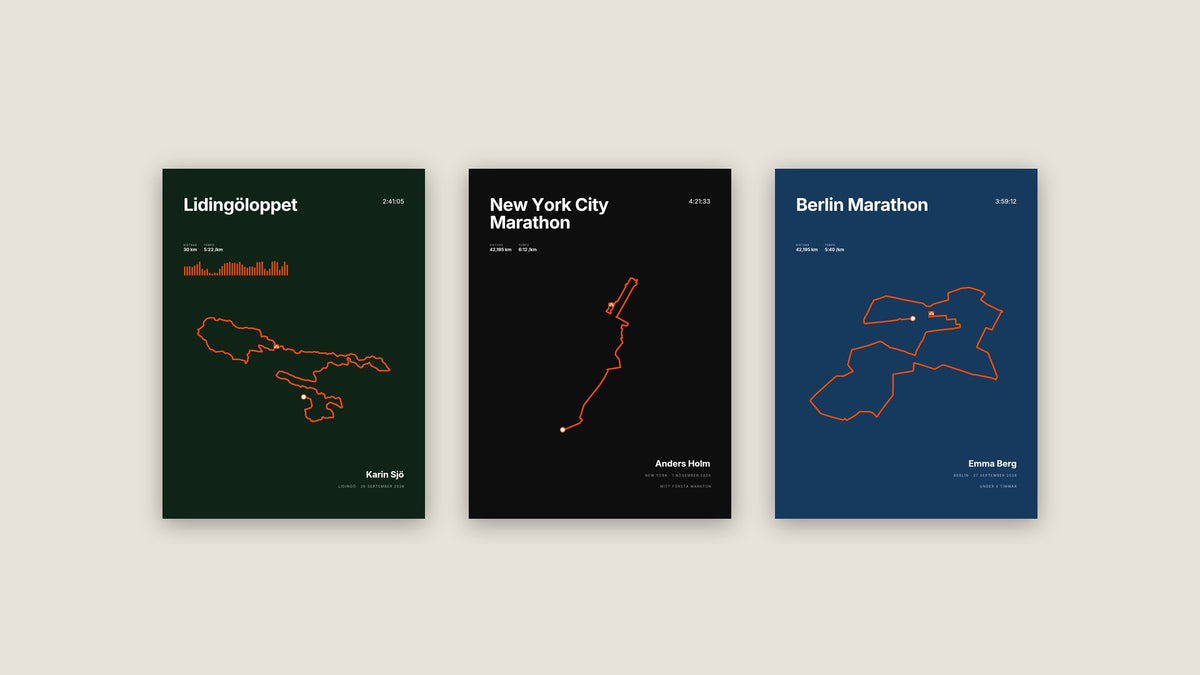
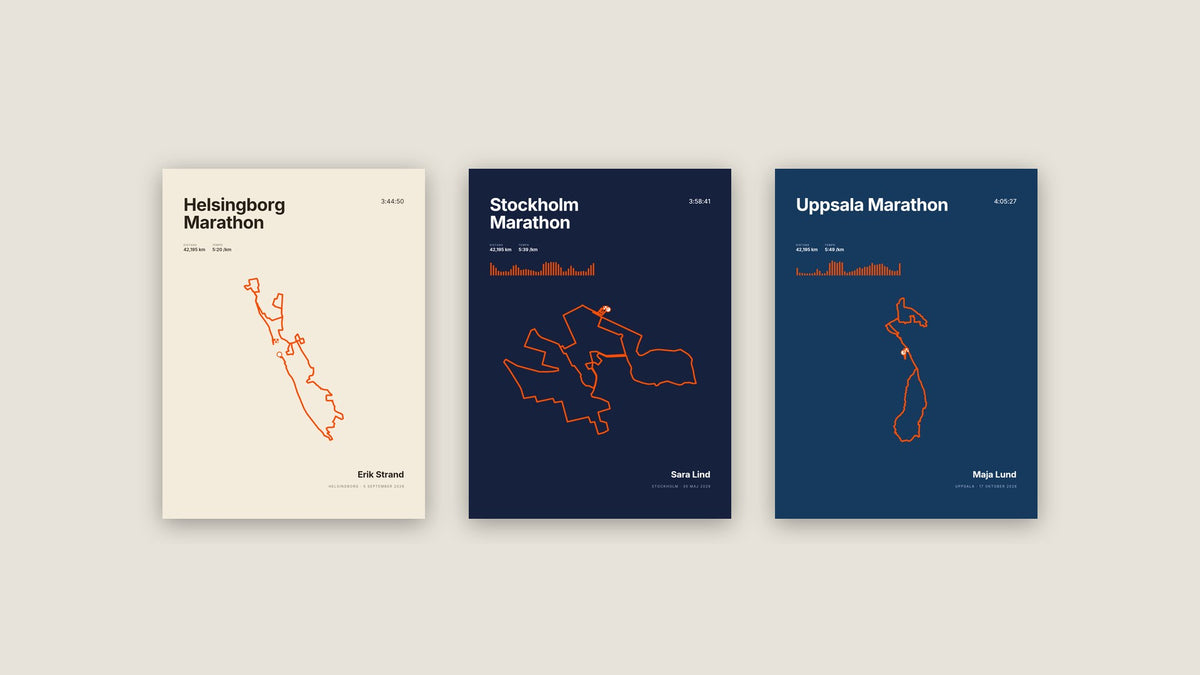
Once you have the file, open the editor for running poster, marathon poster or half marathon poster and upload it under Race. The course is drawn immediately, and the date, distance, and time are filled in from the file. The file is read in your web browser and is not uploaded to us.

If you have run one of the races that are already in the list, you do not need a file at all. Then it is enough to select the race. The full guide is in how to make a poster of your race.
If something is wrong
- No route is visible: the workout was probably recorded without GPS, for example on a treadmill or indoors.
- The file cannot be uploaded: check that it is not in a zip file and that the file extension is .gpx, .tcx or .fit.
- The distance differs from the race: GPS almost always measures slightly longer than the measured course, because you rarely run the shortest line through the curves. You can enter the race distance yourself.
- A strange spike at the beginning of the run: the watch did not manage to find the GPS signal. Then it may be easier to select the race in the list, if it is there.

Frequently Asked Questions
Can I export GPX from the Strava app on my phone?
Not directly. Open strava.com in the phone's web browser, switch to the desktop version, and export from there.
Can I export someone else's activity?
No, you can only export your own activities. If you want to give away a poster of someone else's run, you have to ask them for the file, or select the race in the list if it is there.
Which format gives the best result on a poster?
All three work. GPX and FIT usually contain elevation, so the poster can also show an elevation profile.

Dela:
Show off your medals – medal display, race bib and race board on the wall
Post-marathon gift – how to celebrate someone who has crossed the finish line